
The AI that edits your photos for you.Develop your RAWs the way you would. Locally, automatically.
Every photographer has their own style. Rylux extracts it from the photos you love or from your Lightroom catalogue and applies it to your RAWs, locally.


Mac first, Windows next.


The problem
You shoot RAW because you want the most out of your photos. Then you come home with 400 shots, and your evenings turn into sliders, presets to fix and folders you never get to.


Rylux, on your Mac.

Everything on your Mac.
Rylux develops your photos on your computer and works offline too. Your photos never leave your Mac.
The AI works on your Mac.
Rylux AI recognises what's in your photos, counts the people, spots closed eyes and understands what you ask. No cloud, no connection.

Talk to Rylux AI.
Type what you want and keep the conversation going: “how many photos have at least 3 people?”, then “and of those, how many have closed eyes?”, then “give them 2 stars”. Before changing your photos it tells you what it will do and waits for your OK.
Categories, stars and people.
Rylux recognises what's in the photo, rates it, counts the people and spots closed eyes. Change a few stars and it learns what you prefer.
Start from the right photos.
Rylux picks the most varied photos in the folder for you to correct: less work, more learning.
How it works
4 of 6 references selected Pick the photos you love.
5 to 10 images with the look you want for yours are enough. Or your Lightroom Classic catalogues, with the photos you have already edited. Everything stays on your Mac.
Histogram
Tone curve
- Colour
- B&W
- Contrast
- +0.16
- Grain
- 0.50
Values measured by the prototype on the 4 reference photos. Rylux extracts the style.
Tones, colour, contrast and grain, taken from your photos and adapted to the light of each shot. Your Lightroom star ratings come along too.
A folder of RAWs: flat on the left, developed on the right Develop the folder.
Your photos come out with that look, the way you would edit them yourself. Rylux asks you to correct the most varied photos in the folder, and learns your style from them too.


A style, not a filter.
A filter or LUT applies the same transformation to every photo. Rylux starts from the look you want and works out the right path for each shot.
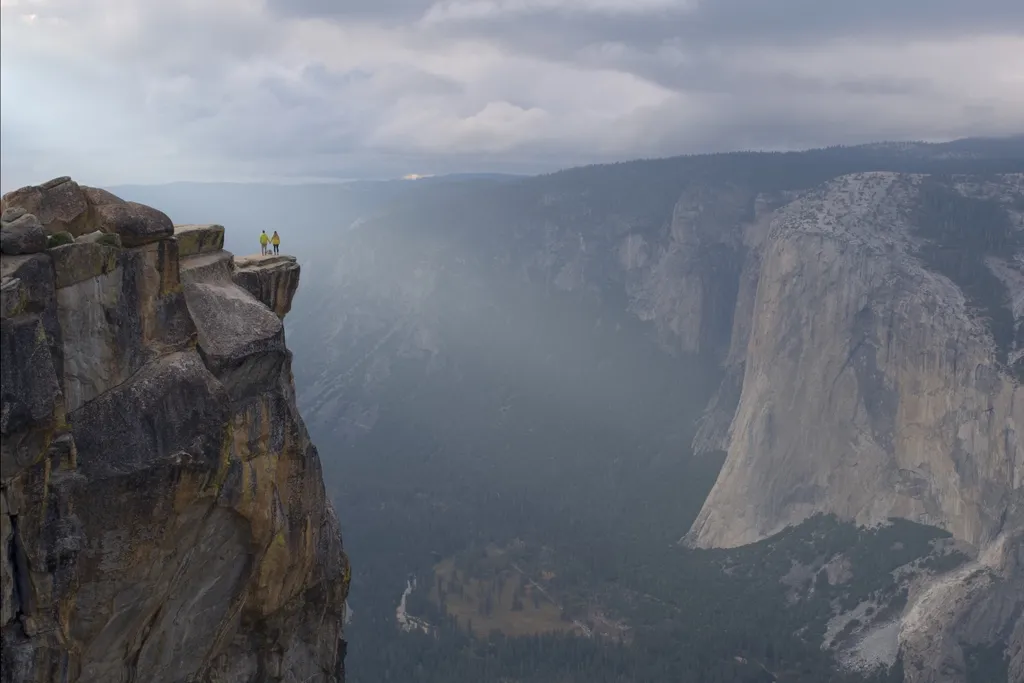
Automatic development
Rylux reads the histogram and corrects exposure, white balance and contrast.
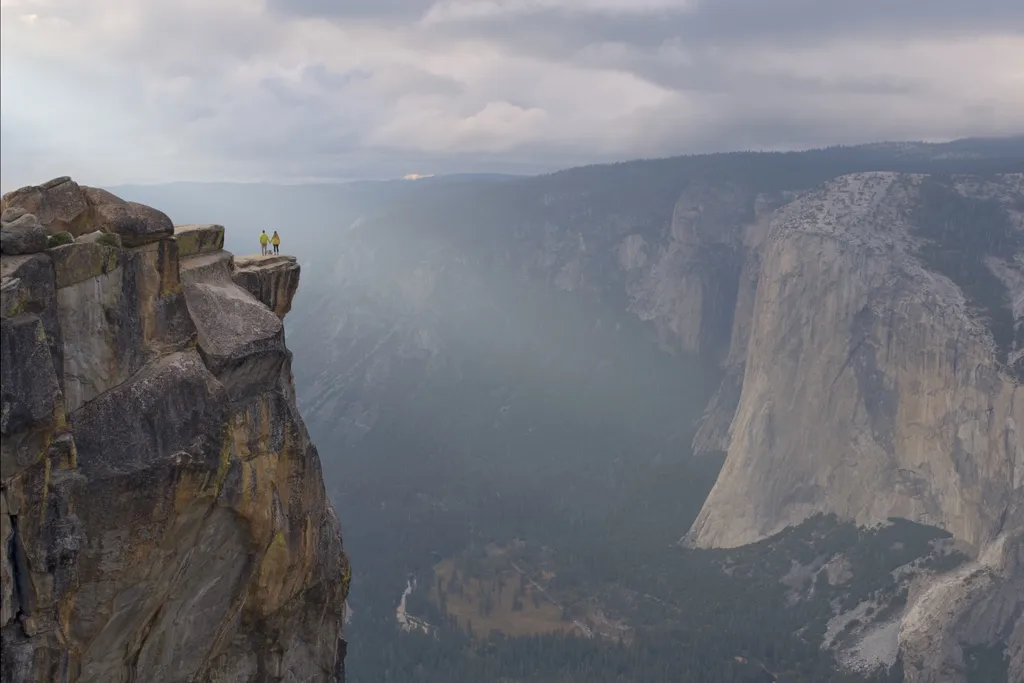
+ your style
Correct the photos it picks for you, the most varied in the folder: the more you correct, the more it develops like you.
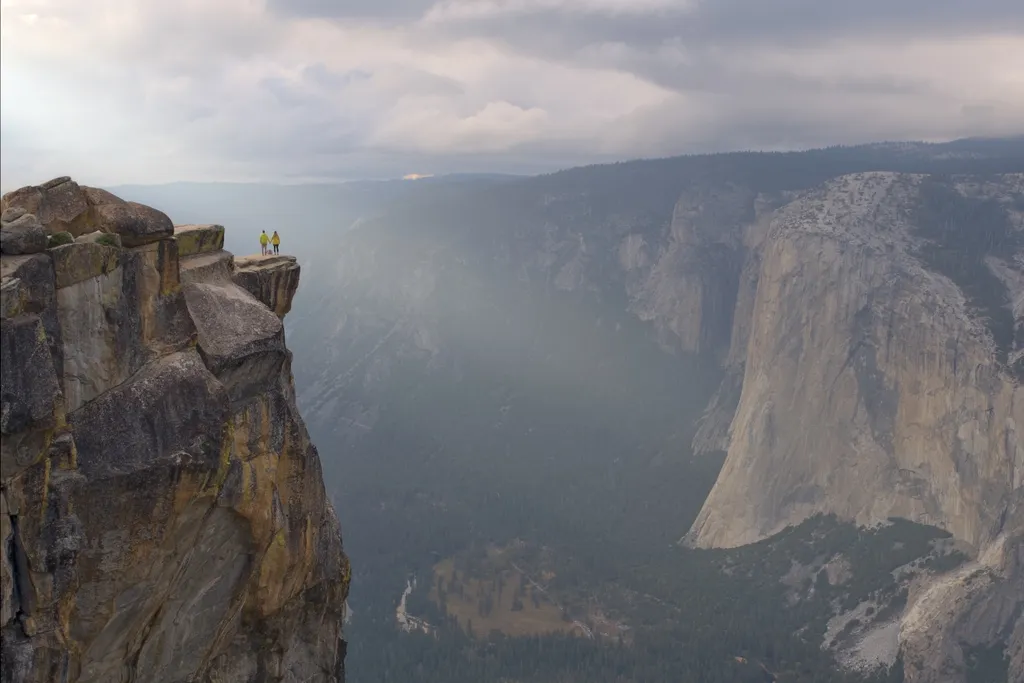
+ a reference style
Extracted from your reference photos or your Lightroom catalogue, adapted to the light of each shot.


Filter, preset or LUT
A fixed table: the same input colour always becomes the same output colour.
It doesn't know if a photo is dark, backlit or shot at sunset.
A LUT sits on top of the edit as a closed layer; a preset sets the same values on every photo.
Rylux style
A target Rylux extracts from your reference photos or from the ones you have already edited in Lightroom.
For each shot it reads the histogram and colours and sets exposure, shadows, highlights and white balance.
It becomes ordinary edit sliders you can see and adjust one by one.
The style gets you close, the final touch is yours.
Why Rylux
Your photos never leave your computer.
The AI runs locally: no uploads, no cloud, and it works offline.
No one-size-fits-all presets.
You choose the look, starting from photos you love.
No need for thousands of photos.
A style needs 5 to 10 photos you love. For your style, correct the photos Rylux picks, the most varied in the folder.
Made for people who shoot for love.
Not for studios editing thousands of photos a week.
Who it's for
For anyone who shoots RAW on Fujifilm, Sony, Canon, Nikon or other cameras and wants polished photos without spending hours editing.
- Fujifilm
- Sony
- Canon
- Nikon
- Panasonic
- OM System
- Pentax
- and more
FAQ
Your photos, developed the way you want. Without giving up your evenings.
Mac first, Windows next.